
WebM vs MP4: Which Format Should You Export Your Visualizer In?
How WebM and MP4 differ for audio visualizer exports: compatibility, transparency, browser support and when to pick each one.
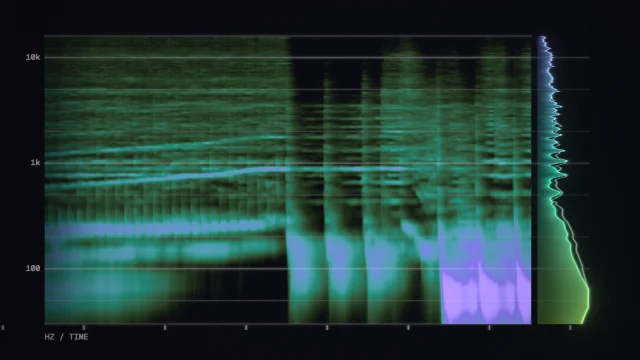
When you press Export video in AudioVisualize you choose between WebM and MP4. They look the same on screen, but they behave differently once the file leaves your browser.
The short answer
- Posting to a phone app (TikTok, Reels, Shorts)? Choose MP4.
- Dropping the clip into OBS or a video editor with a transparent background? Choose WebM.
- Not sure? Choose MP4 if it's available, and WebM if it isn't.
MP4 (H.264 and AAC)
MP4 plays almost everywhere and is what phone apps and most social platforms expect. Safari and recent versions of Chrome and Edge can record it directly in the browser. Its weakness is that it can't carry a transparent background.
WebM (VP9 and Opus)
WebM is recorded by Chrome, Edge and Firefox, and it is accepted by YouTube and most desktop editors. It is also the format that can carry an alpha channel, which is what you need for a Transparent background that sits over your video or stream scene. Some phone apps and older editors don't open it, so convert it if you hit a wall.
What if my browser can't record the one I chose?
AudioVisualize switches to the other format automatically and tells you. Browser support for recording changes with each release, so the list above is a guide, not a guarantee.
Transparent exports need care
If a transparent clip shows a black box in OBS, the clip was recorded without an alpha channel. Use Chrome or Edge for the export, or switch to the Green screen background and key it out. The OBS overlay guide walks through both options.
Export takes as long as your track
Exports are recorded in real time, so a two-minute song takes two minutes whichever format you pick. Pick the resolution first, because it can't change mid-recording. For sizes by platform, see the export settings cheat sheet.